Every text message you send to your audience comes with a media choice: text-only, image, GIF, or video. How to choose the right format is one of the most common questions Community's strategists hear from customers building out their campaigns.
Here is a quick framework based on more than 8 billion texts sent through Community to date.
The Framework: Say, Show, Tease, and Demonstrate
The best practice for choosing the right media is to start with the most simple, straightforward format your text message requires and add more visual queues as needed. Here is a quick rule of thumb to help you decide which type of media to use with your text message:
- Say: Short and sweet. Words alone carry the message. Send text-only.
- Show: One quick look is all the message needs. Use a static image.
- Tease: A flicker of motion adds to the moment, no sound needed. Use a GIF.
- Demonstrate: Movement and sound are the whole point. Use video, and earn the tap.
When should you send text-only?
Text-only is the right call whenever the message can carry itself or anything time-sensitive: new offers, early access, back-in-stock alerts, surveys, feedback requests, event timing updates, or quick reminders.
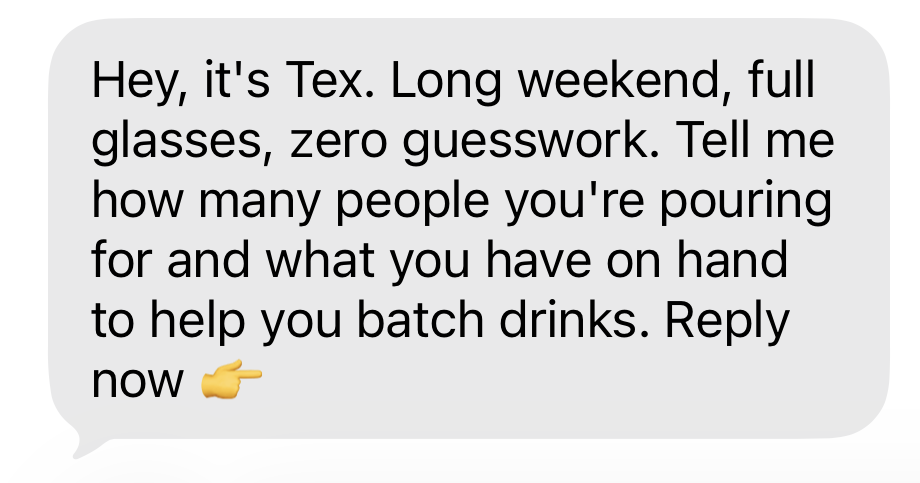
The premium vodka maker Weber Ranch sent a quick nudge ahead of a holiday weekend, offering to help batch drinks based on their answers. The message does its job without a single visual: it's timely, it's useful, and action-oriented.
When should you use a static image?
Reach for a static image when the goal is instant recognition: Logo, mascot, spokesperson or public figure, product picture, new launch, announcements, event invitations, or offers. It's the default rich-media format because it loads fast and previews reliably. Keep in-image text minimal and place the CTA in the message copy.
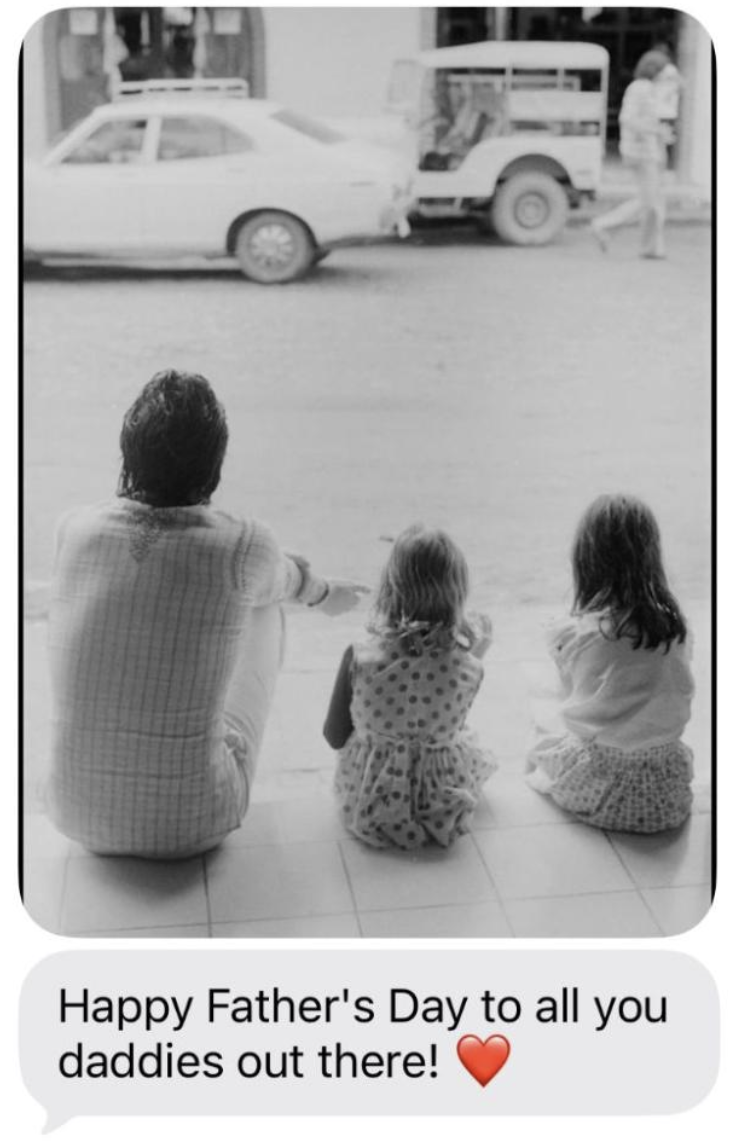
On Father's Day, Paul McCartney sent a heartfelt text with a photo from his personal archives to his fans. This static image perfectly complements the send and expresses the feeling behind the message.
When should you use a GIF?
A GIF works when the moment is quick, silent, and a little fun: a reaction, a tease, a before/after, simple product motion. It lands in seconds, and helps the text stand out.
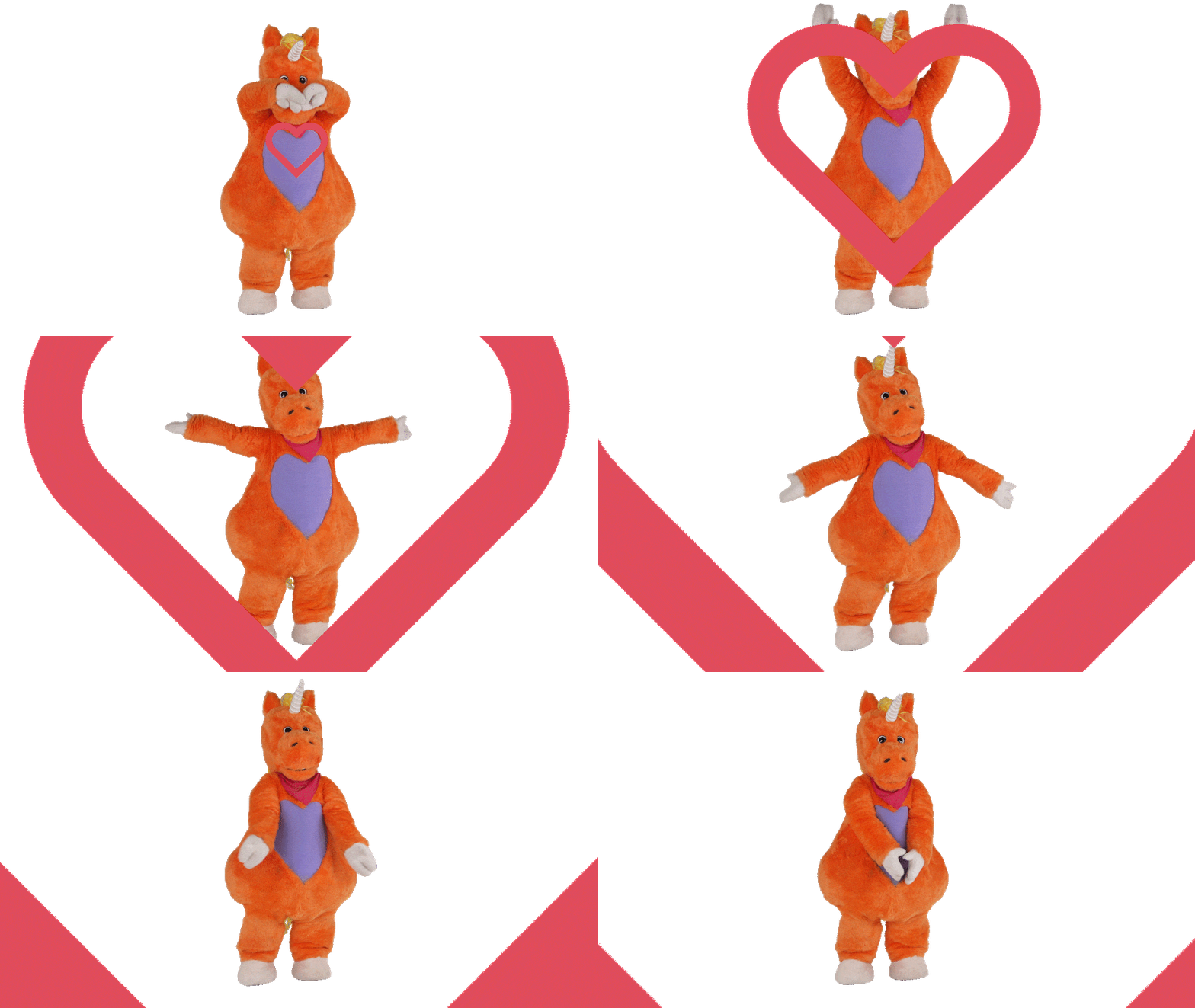
When you sign up to text Buddy The Unicorn, you receive a welcome message along with a friendly GIF thanking you for joining. A simple way to convey the “thanks” and showcase the character's personality for an immersive in-world experience.
When is video the right call?
Use video when motion is the value, not just an option you happen to have: a performance clip, a founder talking directly to your members, a product innovation, a major behind-the-scenes moment.
A good example is when the Burney Sisters sent their Community members an exclusive sneak peek of a demo they were working on. In this case, the song was the whole point.
Frame the copy to earn the tap. “We saved the first look for you, watch the 12-sec reveal.” If the opening frame is strong, use it as the static image for broader or first-touch sends, and let the CTA link out to the full video.
Test it before it becomes house rule
Run a static-image send against a video send on a comparable segment. Hold the copy, CTA, and timing constant, and judge the result on clicks, replies, and conversion, not just how fast it got opened.
Not a Community customer yet? See how it works.