
Profile visibility built for action
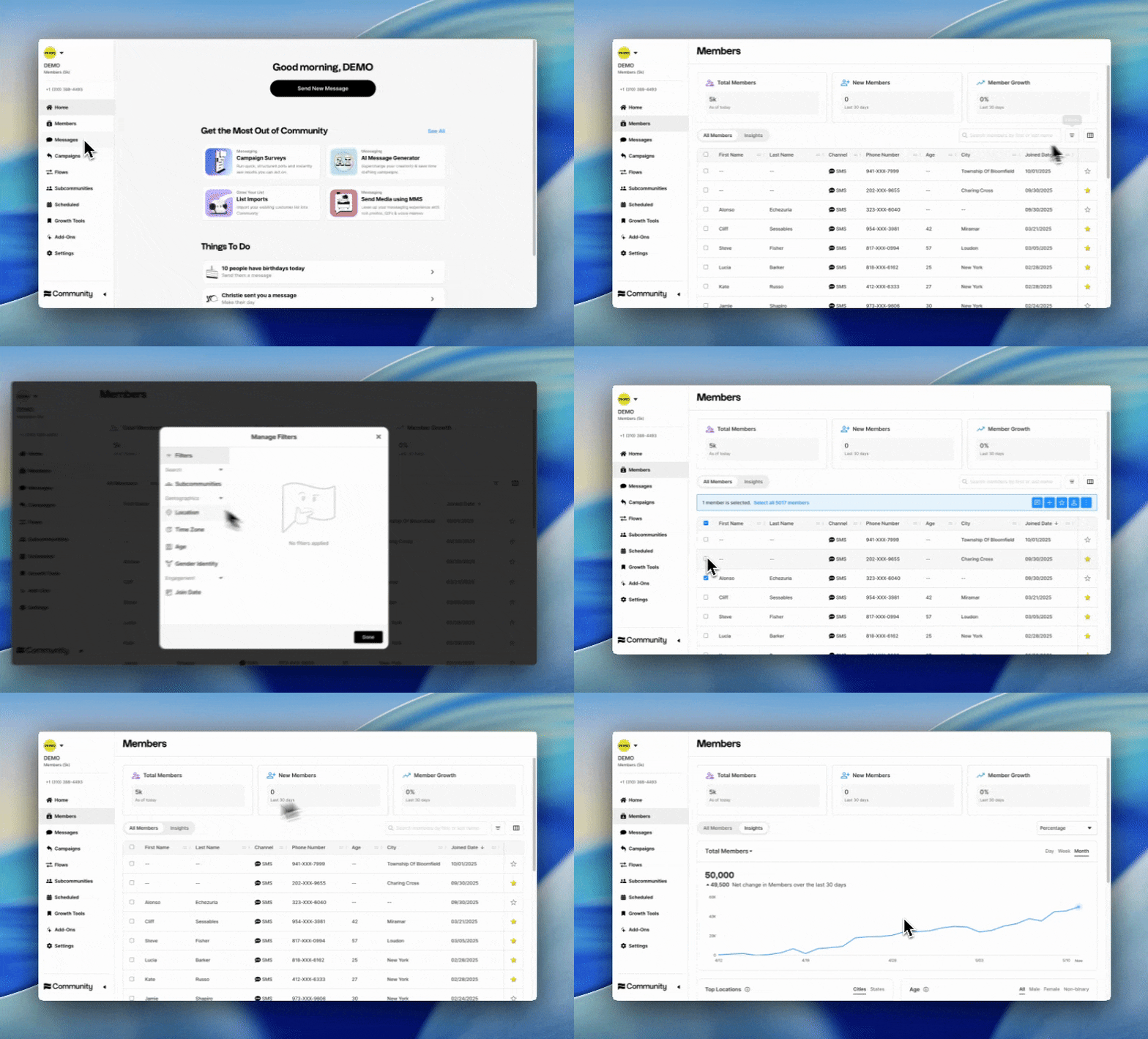
The Members page is where you see your full audience. Use the page to browse, search, and filter across your entire Community then take action from there. Turn scattered member details into a clear, usable audience view.
Overview
Why use the Members page
See your audience in one place
Bring member information into a single, centralized view so you have a clear understanding of your audience at scale.
Understand where your members come from
See how each member joined your Community with a view of their acquisition source.
Target with more confidence
Search and filter by demographics, Subcommunities, and custom member data to find the right people faster and send more relevant messages.
Power decisions with reliable data
A live, accurate member list helps you understand your audience more clearly, spot meaningful patterns, and act on real member data instead of assumptions.
How it works
How the Members page works
Move from scattered member data to smarter action with a live view of the people in your community.
Bring your member data together
See member details, demographics, their number of subcommunities, and custom member data in one place.
Narrow in on the right audience
Use search and filters to quickly find the members you want to reach.
Spot patterns faster
View live member data and metrics to understand your audience more clearly.
Take action with confidence
Message members, add them to Subcommunities, or favorite them for follow-up.
Built to support smarter targeting
Use richer member insight to create more relevant outreach.
Turn Community into your best performing channel
The most innovative companies lean
on Community to turn engagement into action.